
A little perspective.
Practical notes on presenting digital work. From your first screenshot to a considered multi-device scene.
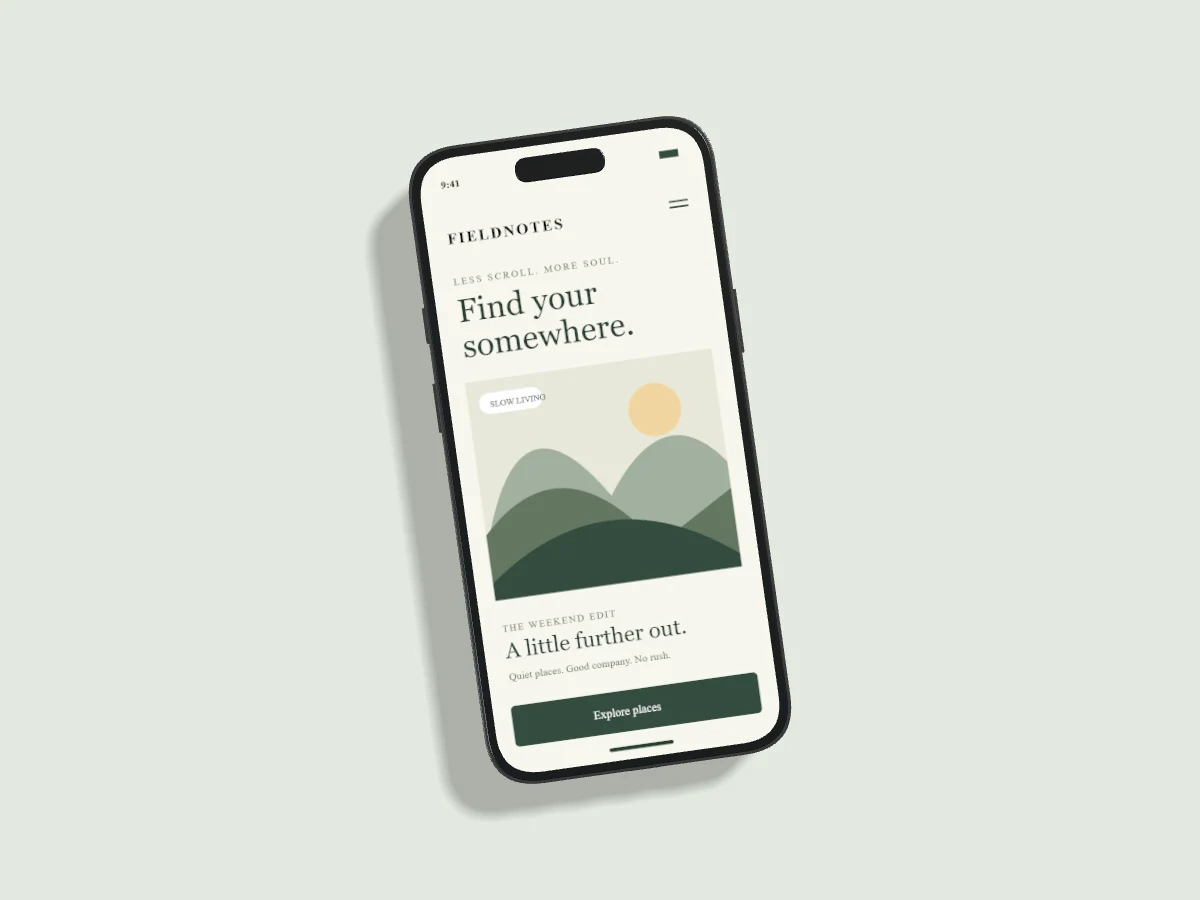
How to make an iPhone mockup from your screenshot
A practical guide to screen dimensions, cropping, front-facing 3D angles and exporting an iPhone mockup with Pixmock.
Read the guide ↗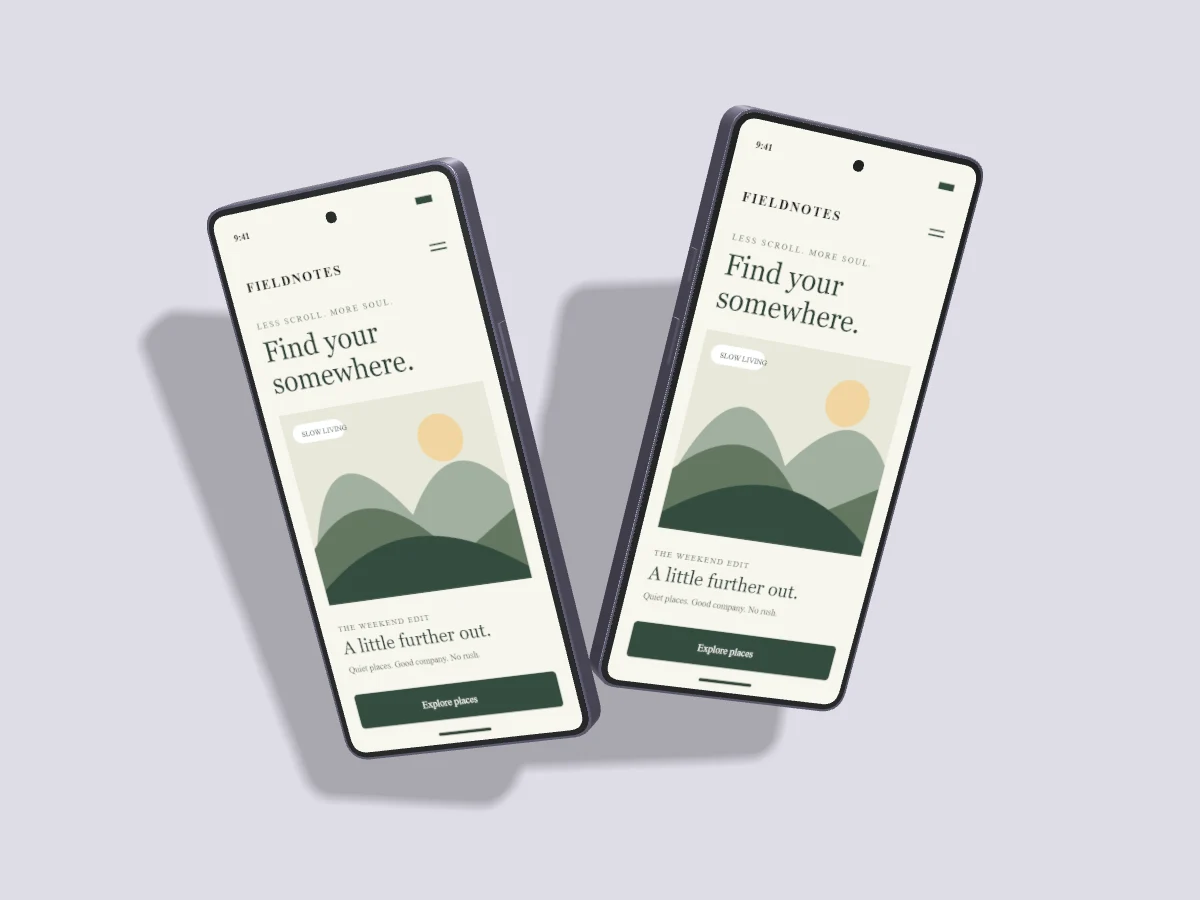
Better phone mockups with light, shadow and angle
Choose believable light direction, soft shadows and readable 3D angles for phone mockups without hiding your interface.
Read the guide ↗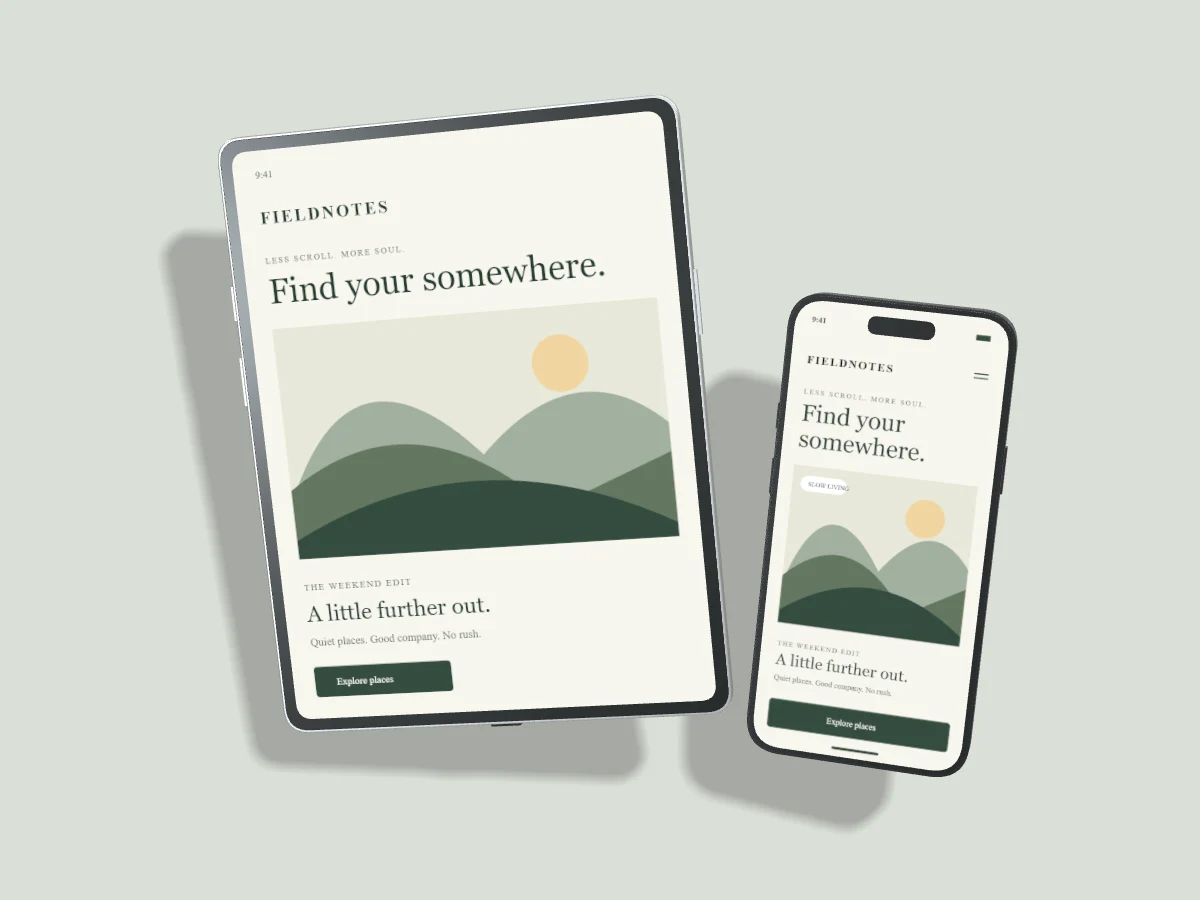
Compose an iPad mockup for your app or portfolio
Build portrait and landscape iPad mockups, compare tablet and phone screens, and choose a composition that suits your content.
Read the guide ↗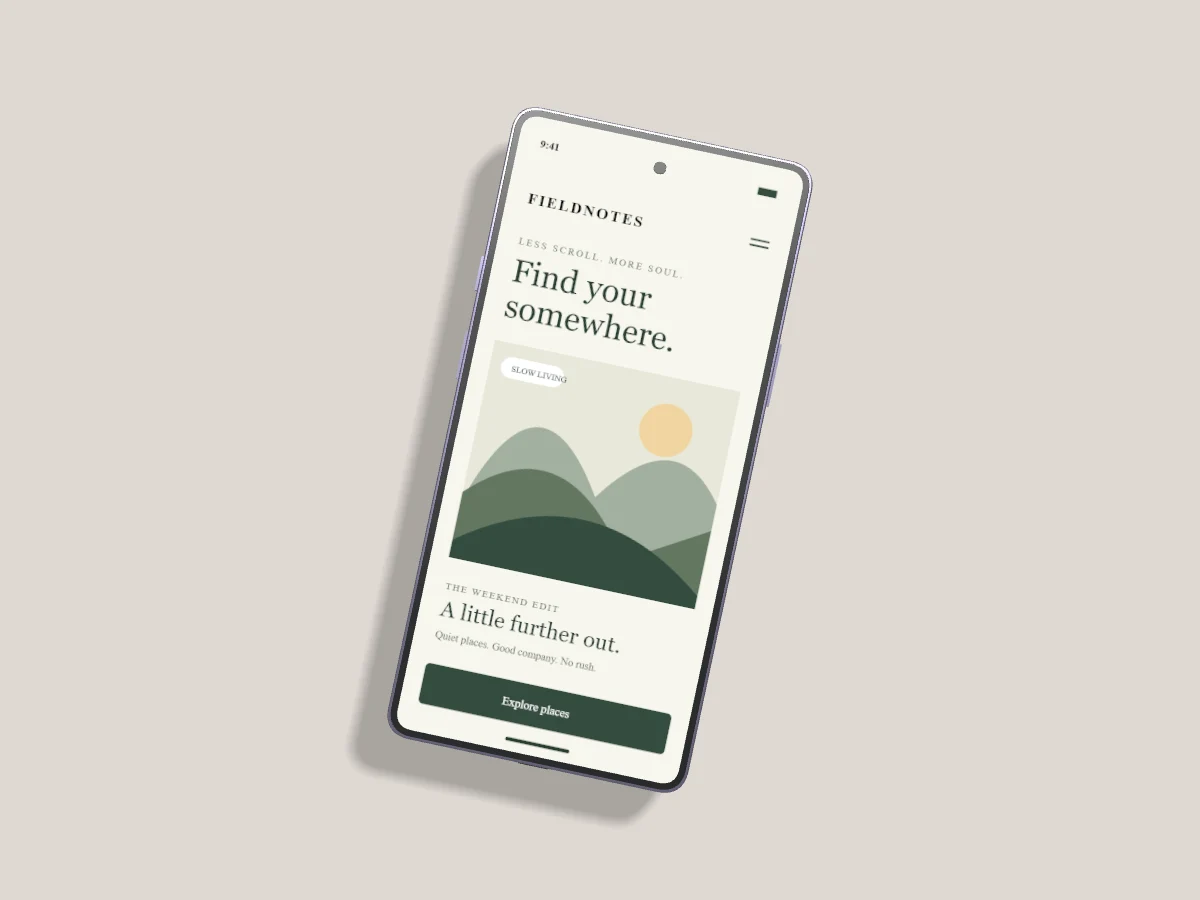
Create a Samsung Galaxy mockup with your own screen
Frame Android app screenshots in Samsung Galaxy mockups, choose finishes and arrange multiple screens for a case study.
Read the guide ↗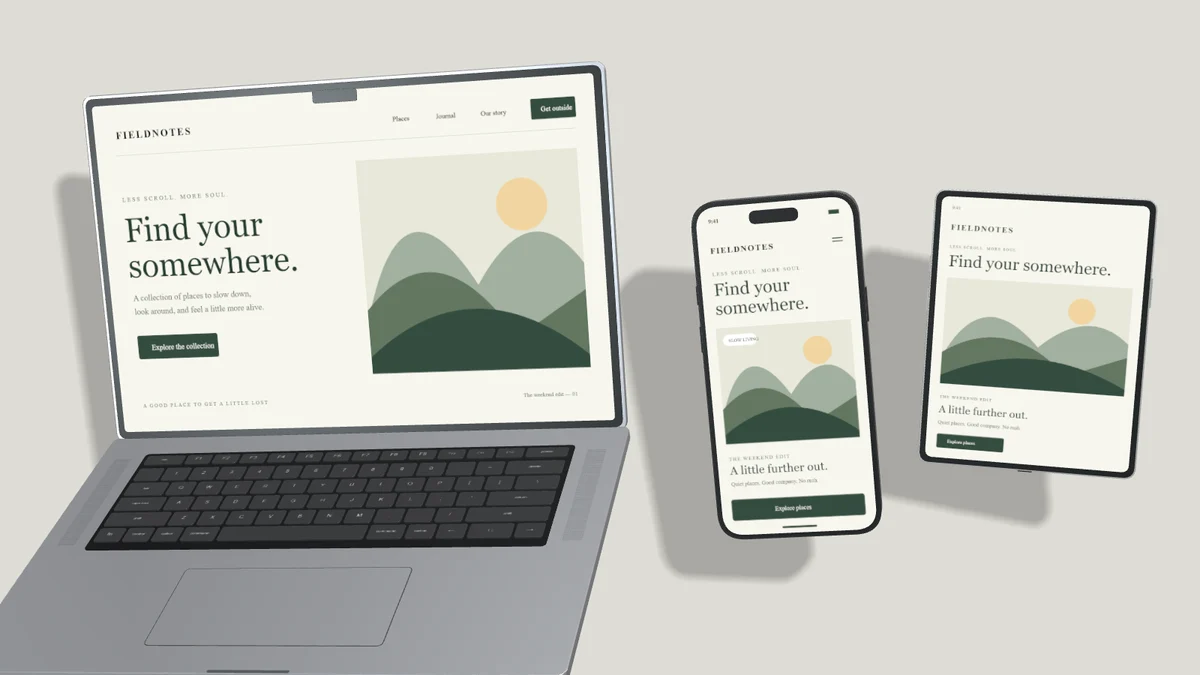
Build a multi-device mockup that tells one clear story
Pair laptop, tablet and phone screens without visual clutter. Learn layout, shared angles and independent screen replacement.
Read the guide ↗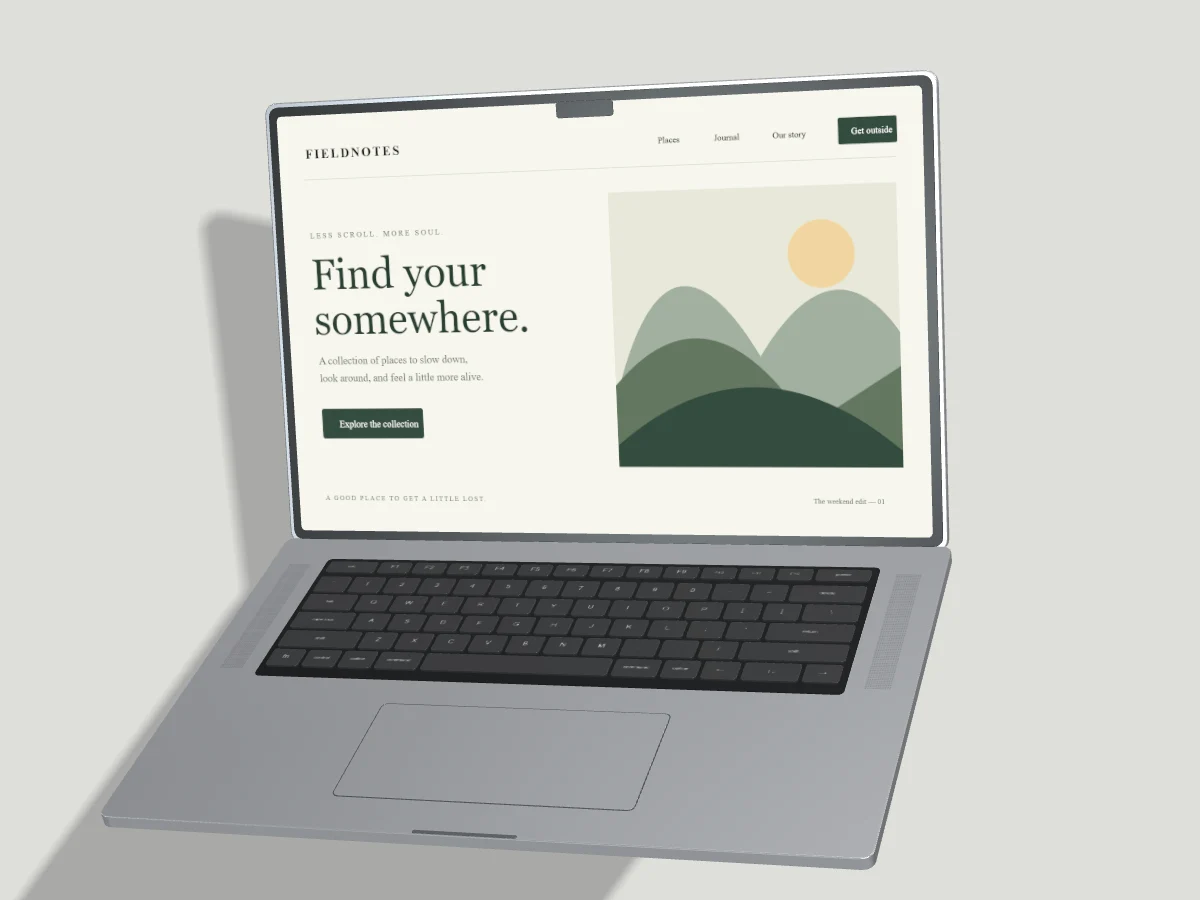
PNG, JPEG or WebP: which mockup export should you choose?
Choose a mockup image format for transparent backgrounds, sharp interface text, website performance and portfolio delivery.
Read the guide ↗