
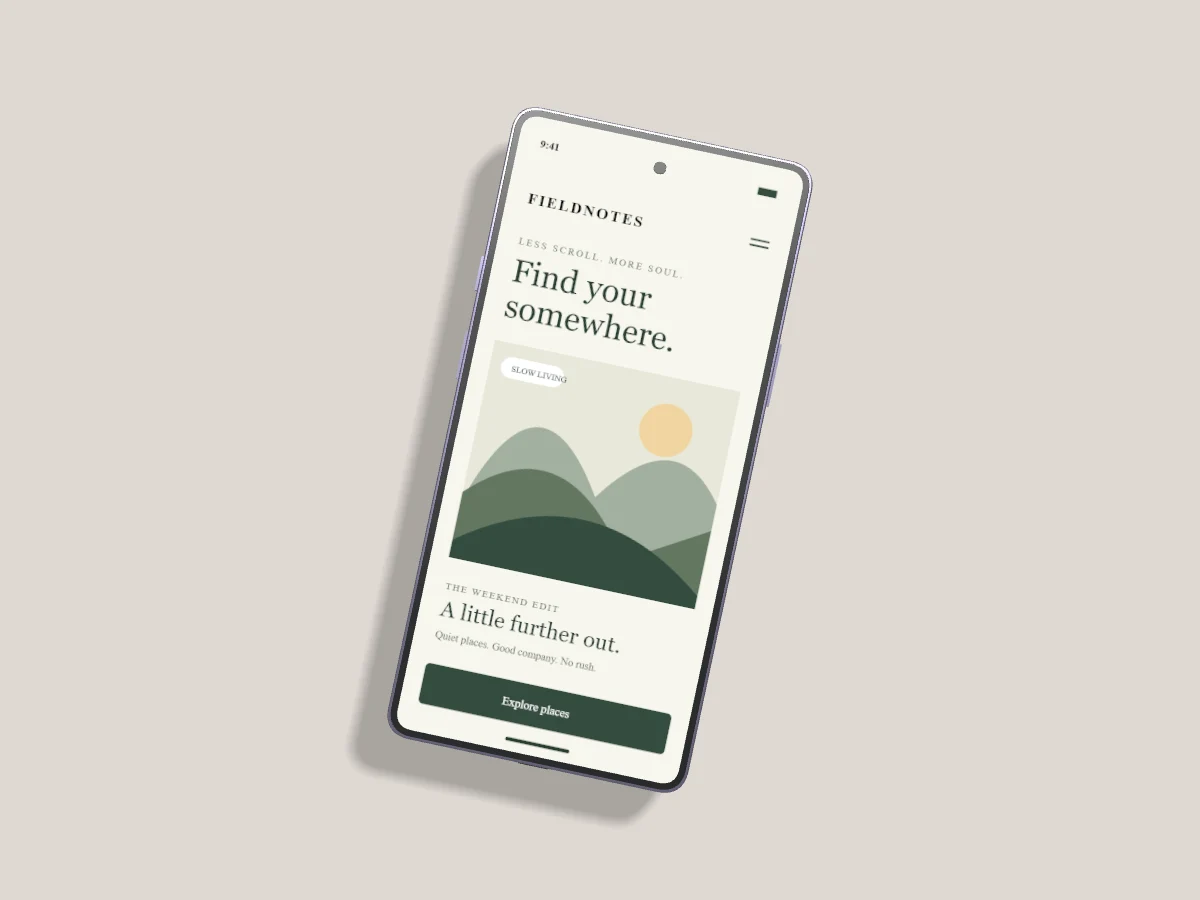
A Galaxy frame gives an Android interface familiar context. Begin with a screenshot from the viewport you designed for, then choose a device shape that supports the way your interface is meant to be used.
Choose your Galaxy model
Pixmock includes model-inspired Galaxy S26, S26+ and S26 Ultra frames alongside earlier models. Finish names are checked against manufacturer pages. Displayed swatches and geometry remain approximations, not official device renders. Samsung and Apple do not endorse Pixmock.
Choose A different angle for one screen or Galaxy duet for a pair. Replace the demo screen on each selected device with your own PNG, JPEG or WebP. A tall screenshot should preserve the content you need to show; crop controls help avoid hiding the navigation at either end.
Build a sequence instead of a collage
For onboarding, use three aligned devices and show a different step on each. Keep background, angle and scale consistent so the changing interface becomes the point of comparison. A larger hero device with smaller supporting screens works better when one state is more important than the others.
All visible, unlocked device layers can share tilt and turn through Apply angle to all devices. The composition positions stay independent. Lock a device before changing shared angle controls if it should keep its existing pose.
Leave the interface legible
Turn the frame enough to show depth but keep small text readable. High contrast backgrounds can make a subtle finish disappear; test a warm neutral or pale slate before choosing a saturated color. Set one clear light direction and keep the shadow quiet.
Export a still image or use Pro motion
Free and Pro both support still-image templates and uploads. Free has three completed still-image exports per UTC month, with no extra charge for repeat downloads of the same completed result. Pro adds interactive motion templates and MP4 export. Free video requests are blocked before a render job is created.
When an exported image is for a portfolio, include surrounding text that explains your role, the problem and what changed in the interface. A frame can improve presentation, but it cannot replace the design explanation.