iPhone mockups. Your screen, well framed.
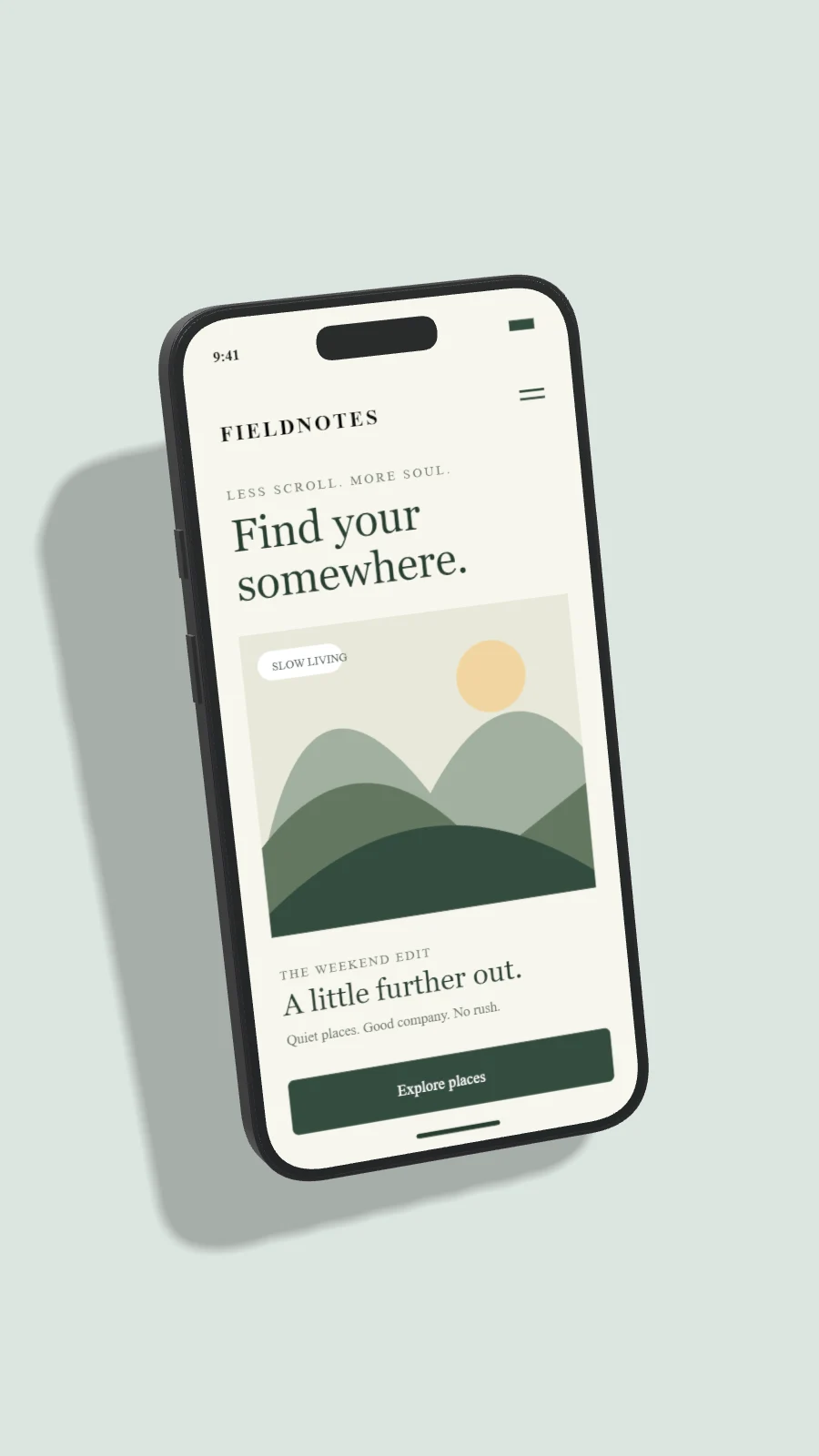
Create an iPhone mockup from your screenshot. Choose iPhone 18 Pro, Pro Max, Air and earlier models, then adjust 3D angle, finish and shadow.
Create your mockup ↗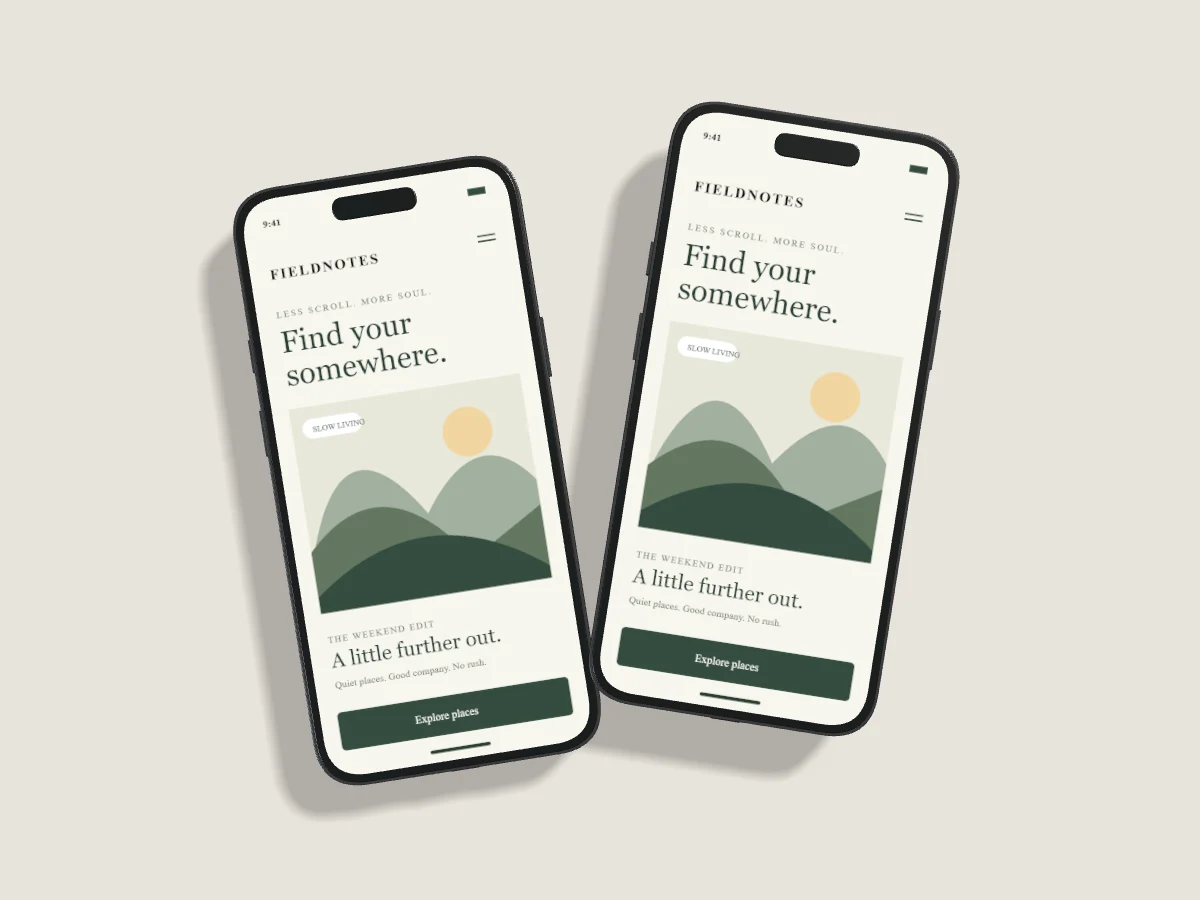
Start with your work.
Choose a front view for readable interface details, or a measured side turn to reveal device depth. Each iPhone has its own screenshot and crop controls. The catalog includes manufacturer-named finishes with approximate display swatches.
Upload, drop or paste your screenshot. Change the background, tune the light and export PNG, JPEG or WebP. Draft recovery stays on this device. Pro projects are saved only when you explicitly choose Save to Cloud.
Read the studio guides ↗A considered starting point.
All templates ↗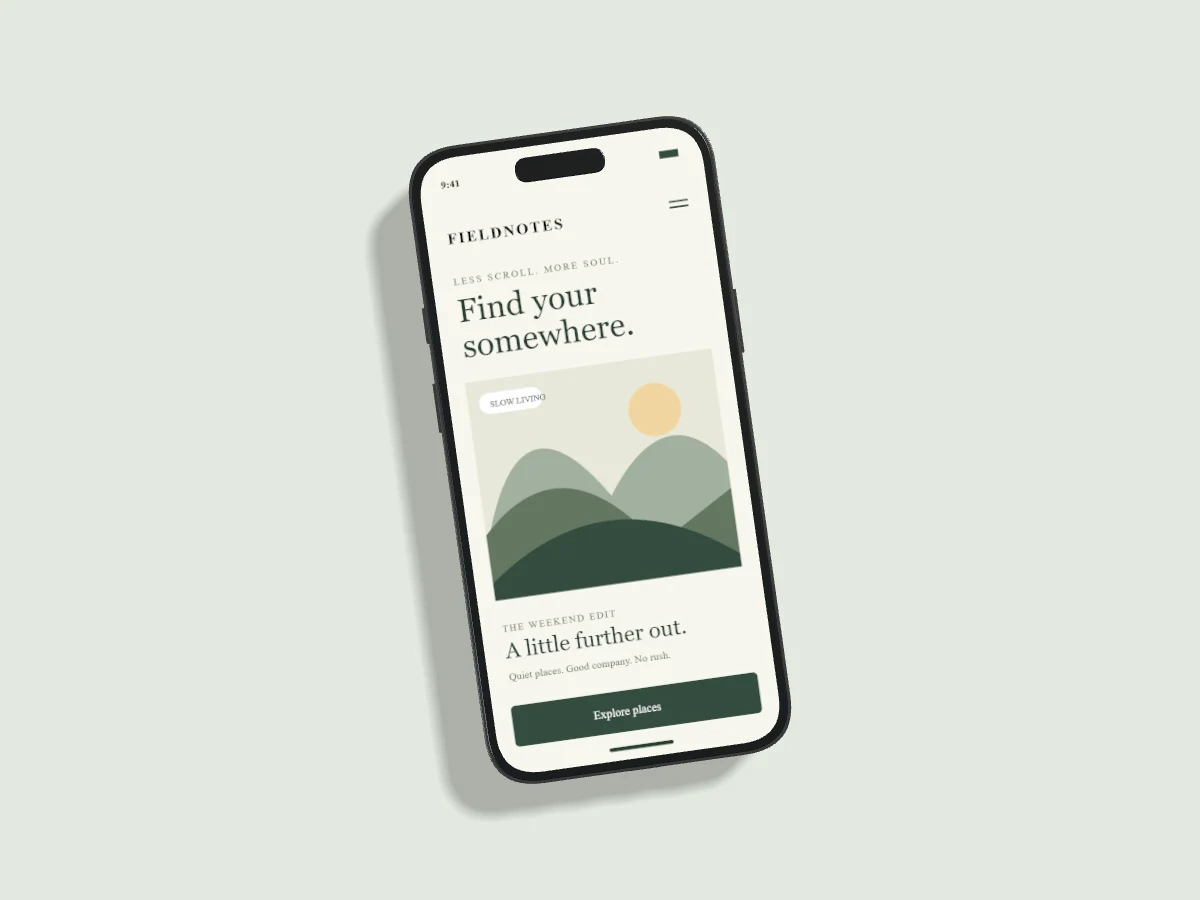
Can I create an iPhone 18 Pro mockup?
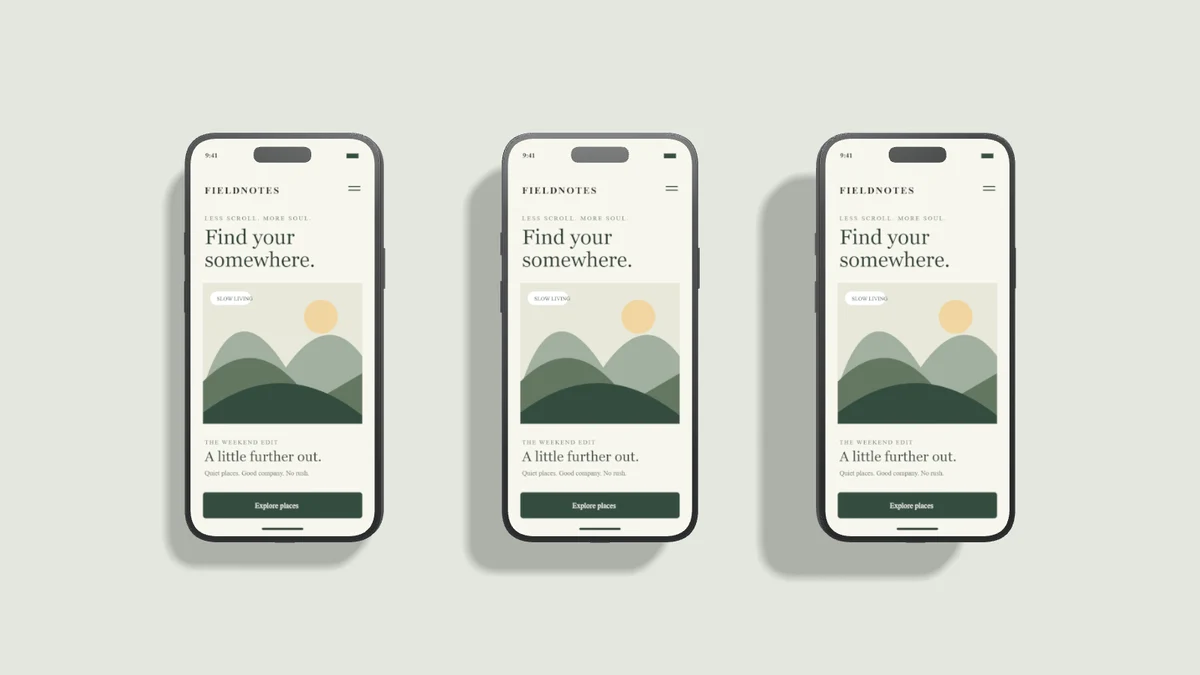
Yes. Choose iPhone in the editor, then select iPhone 18 Pro or iPhone 18 Pro Max. iPhone Duo uses separate open and closed display formats. Geometry is original and model-inspired, not licensed manufacturer CAD.
Compare Free and Pro ↗