
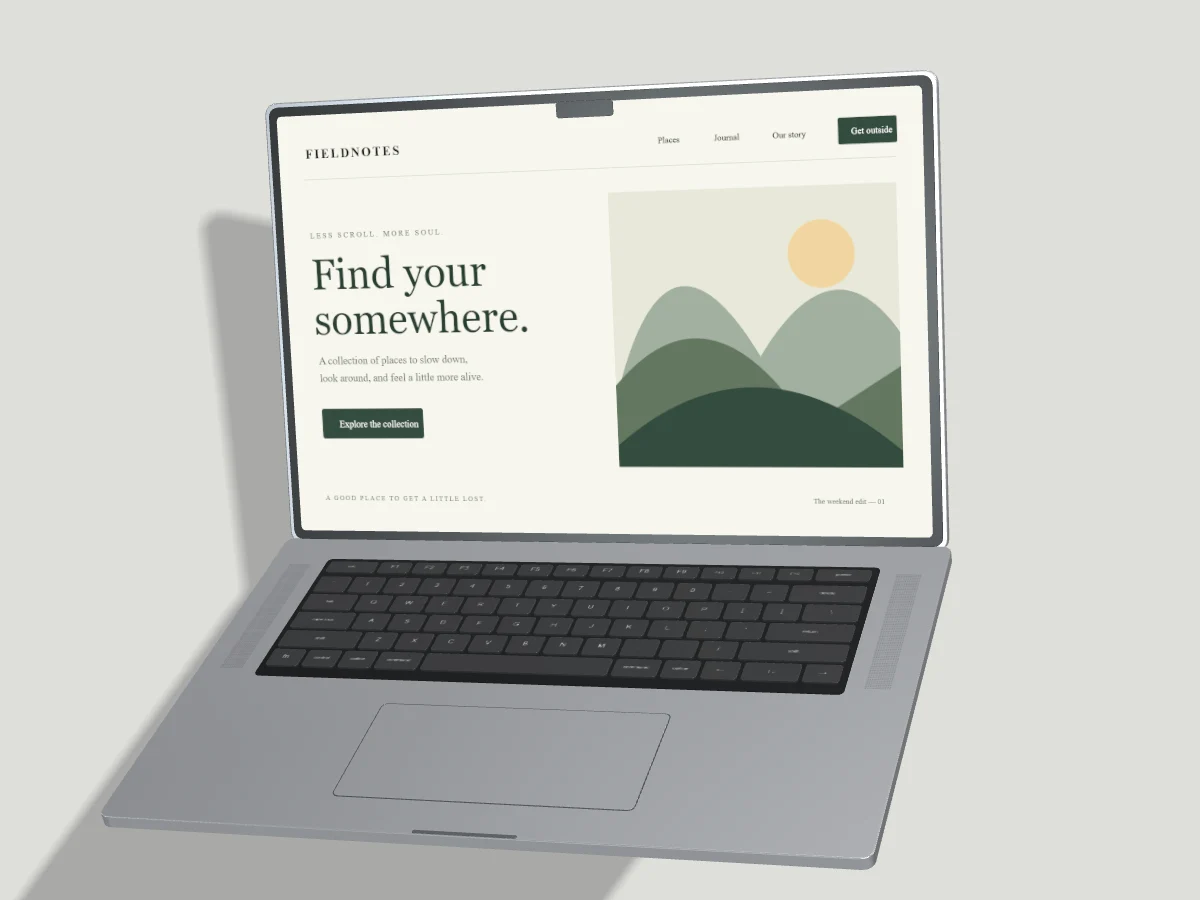
The best image format depends on where your mockup will appear. Start with the publishing destination and inspect the file at its final display size. Small text and device edges are often more sensitive to compression than a large photographic area.
PNG for transparency and precise edges
PNG is a strong choice when you need an alpha channel or want to preserve flat interface colors without lossy compression. Set the canvas background to transparent before exporting. Place the result on a test background to check the shadow and screen edges.
PNG files can be larger than web-focused alternatives. For a website, choose a canvas size that matches the actual placement instead of exporting a large image that will always be displayed as a small card.
JPEG for opaque images
JPEG works well for opaque presentations with photographic screenshots or large, textured areas. It does not support transparency. Pixmock flattens transparent backgrounds onto white for JPEG, so choose an explicit background color first when white is not the intended result.
Inspect navigation text, thin borders and high-contrast labels after export. Compression artifacts are easiest to spot around those edges. Use PNG or WebP if the interface loses too much clarity at your target file size.
WebP for website delivery
WebP is useful for modern web pages because it can keep file size moderate and supports transparency. Check the destination platform before choosing it; some older publishing workflows still require PNG or JPEG uploads.
An efficient image also needs descriptive alt text and correct dimensions in the page. Those details reduce layout shifts and help people understand the image when it cannot be seen. They do not guarantee search rankings.
Understand the export allowance
Free provides exactly three distinct successfully completed still-image exports per UTC month. The chosen format is part of the output, so creating PNG and JPEG versions creates two distinct outputs. Downloading the same completed output again does not use another allowance. Failed renders do not count.
Pro removes monthly image and video export caps for now. Safe per-job dimensions, durations and concurrency still apply. Video editing and MP4 export are exclusively Pro features; they never spend a Free image allowance. Exporting in any format never creates a permanent cloud project automatically.