
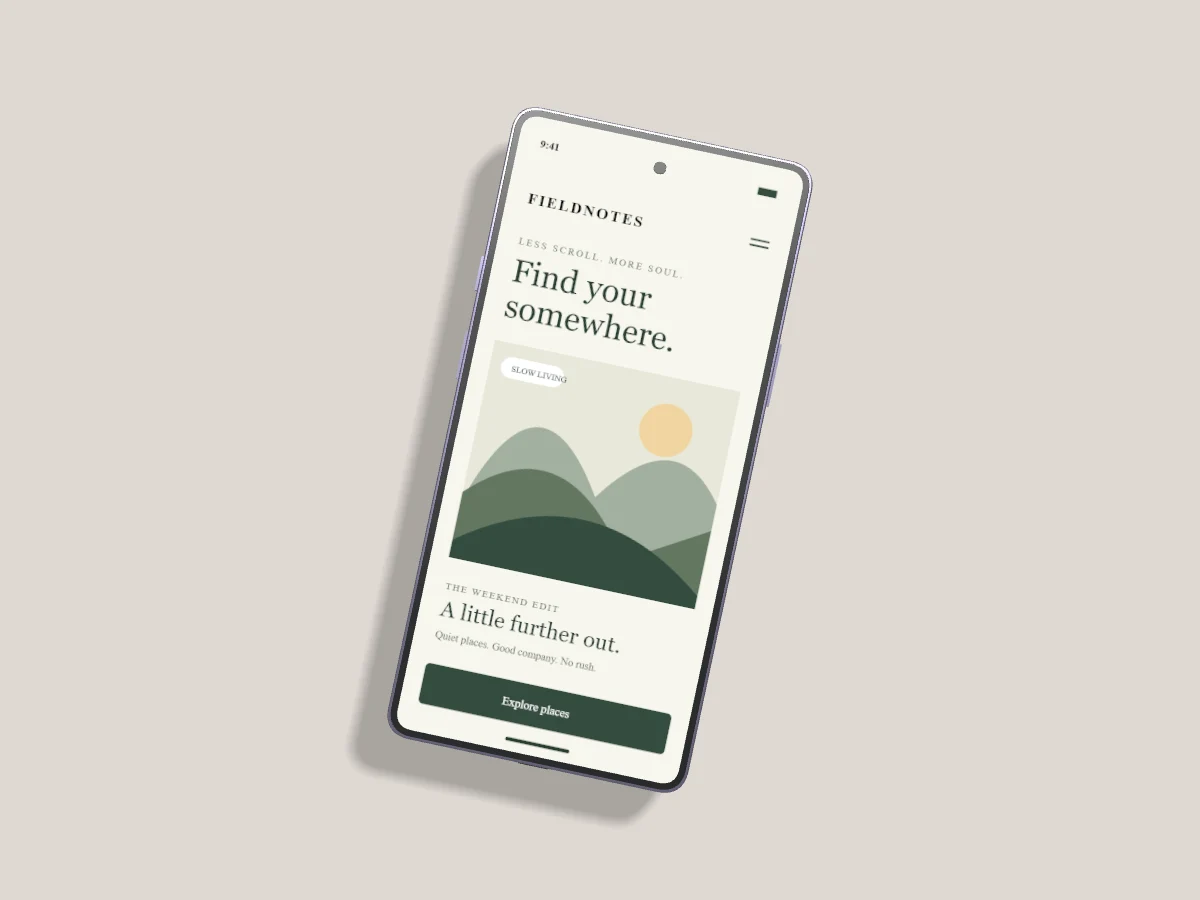
A Samsung mockup should describe the Android experience you designed. The frame gives context, but the screenshot needs to carry the story. Start with one task, such as booking a visit or finding a saved item, rather than trying to display an entire product at once.
Prepare the Android screenshot
Capture the actual viewport used by your layout. Check status and navigation bars, keyboard visibility and display scaling. A screenshot from a small emulator stretched into a large presentation can make thin text look soft. Use sample account data and remove notifications before uploading.
Choose a Galaxy model from Device & style. Rounded standard models and squarer Ultra models produce different edge crops. The catalog uses original model-inspired meshes and approximate finish colors, so use your own product imagery if a campaign requires exact manufacturer hardware photography.
Frame the important task
Upload the screenshot to the selected device. Fill uses all available screen space; Fit preserves the complete image. Use horizontal crop and vertical position to keep the main interaction inside the visible display. A punch-hole camera can cover a small area near the top, so leave important labels away from that region.
For a before-and-after comparison, start with Galaxy duet and replace both screens. Keep the same viewport and scroll position in each capture. A clear comparison needs consistent content as well as matching device angles.
Add depth without losing detail
A modest side turn reveals the finish while keeping the interface legible. Use shared angle controls for a pair, then inspect at the size your audience will see. Small navigation labels often disappear before the main heading does. If the screenshot becomes hard to understand, reduce the angle or use one larger device.
Publish a useful image
Export WebP for a website or PNG for a sharp presentation asset. Add descriptive alt text explaining the screen, such as “Galaxy booking screen showing available appointments.” Avoid filling alt text with repeated search terms. See phone mockup lighting for a consistent studio setup.