
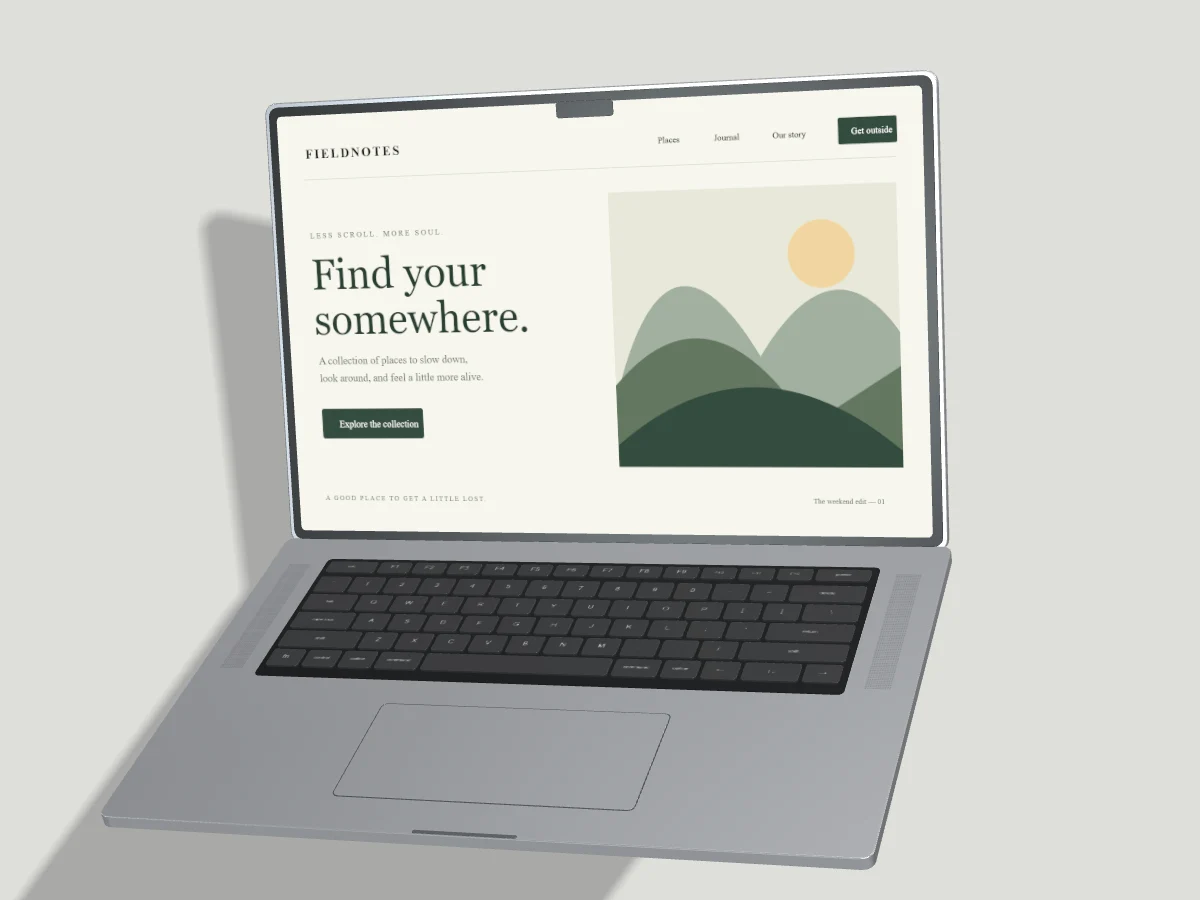
A laptop mockup gives a website a familiar viewing context. It works best when the desktop page is composed for the display, rather than squeezed into it. Begin with your actual responsive site and decide which section explains the product most clearly.
Capture the desktop layout
Use a desktop browser viewport and wait for fonts and hero images to load. Close cookie banners only when you have made the appropriate choice. Hide personal account information. A full-page screenshot is usually too tall for a laptop display; capture one viewport or crop a specific section instead.
The mockup screen and the browser viewport may have different aspect ratios. Fill crops edges to cover the display. Fit keeps the entire screenshot and may leave a margin. Neither setting should stretch text. Check navigation, headline and primary button together before settling on the crop.
Choose a useful laptop pose
Open studio gives the deck and screen room to breathe. A small side turn shows the thin lid, keyboard and trackpad. Strong vertical tilt can hide the screen or exaggerate the deck, so use a restrained pose for detailed website work. Match the direction of any lighting already visible in your screenshot artwork.
Pair laptop and phone carefully
Use Across every screen for a responsive comparison. Capture the same section at desktop and mobile widths. Leave a visible gap between the devices, including their shadows and the forward edge of the laptop deck. Shared angle controls change pose; they do not automatically reorganize a custom layout.
Use the laptop as the main subject when the desktop experience matters most. Keep the phone smaller without making its content unrecognizable. A comparison is clearer when both views demonstrate a real responsive change, such as a navigation menu becoming a compact mobile control.
Check the exported result
Inspect both full resolution and thumbnail size. Fine keyboard details matter less than readable website content. Use the image format guide to choose a delivery format, and keep an uncompressed source screenshot for later revisions.