
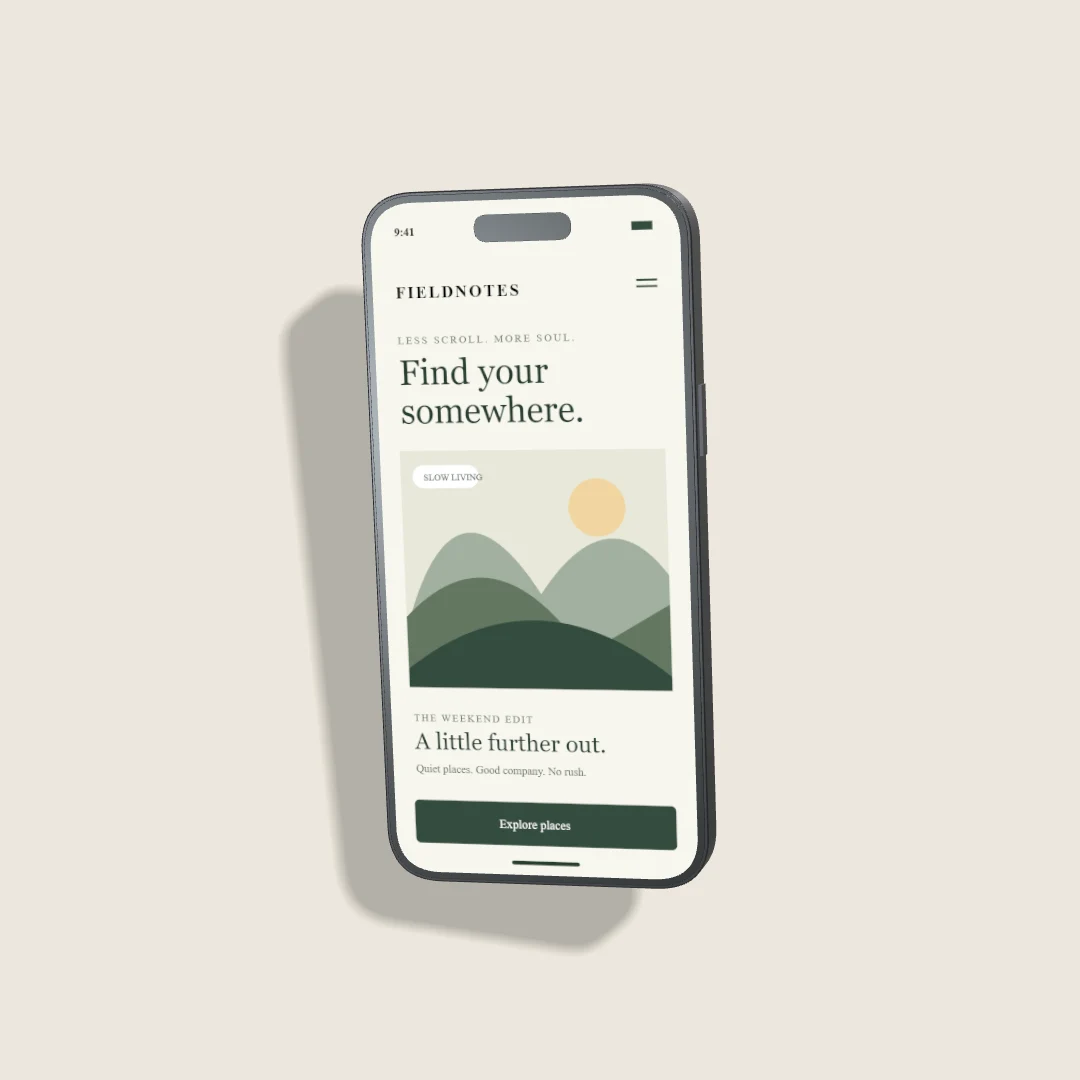
A composition changes when its destination changes. Cropping a wide portfolio image into a narrow story can remove the device or leave the interface unreadable. Start with the destination aspect ratio and arrange the scene inside it.
Square for compact layouts
A 1:1 canvas is useful for a compact social card or a consistent portfolio grid. Keep the phone centered or deliberately offset, with enough space for its shadow. If you add text, keep it outside the screen and make it readable at thumbnail size. The On the grid preset starts at 1080 × 1080 pixels.
Portrait for a little more context
A 4:5 composition gives a phone more vertical room while leaving space for a short heading. Keep critical content away from the outer edge because platforms may show a cropped preview. Check the platform's current upload and preview rules; display behavior can change independently of your exported file.
Vertical for story-style placements
A 9:16 layout suits vertical presentations. Tall story starts with a 900 × 1600 canvas. Reserve clear areas near the top and bottom for controls that the publishing app may overlay. Those safe areas depend on the destination, so check the actual preview rather than assuming a fixed margin works everywhere.
Keep the screen legible
Enlarge the device until the main interface state is recognizable, then adjust angle and light. A steep perspective reduces readable area. Use one screen when a pair would make both too small. Avoid relying on tiny text inside the screenshot to communicate the main message.
Export and inspect after upload
Choose PNG for crisp interface assets or an efficient WebP where supported. Some platforms accept only selected formats and recompress uploads. Inspect the published preview for clipping and artifacts. Different aspect ratios produce distinct outputs; Free includes three completed still-image exports per UTC month, so plan the versions you need before exporting.