
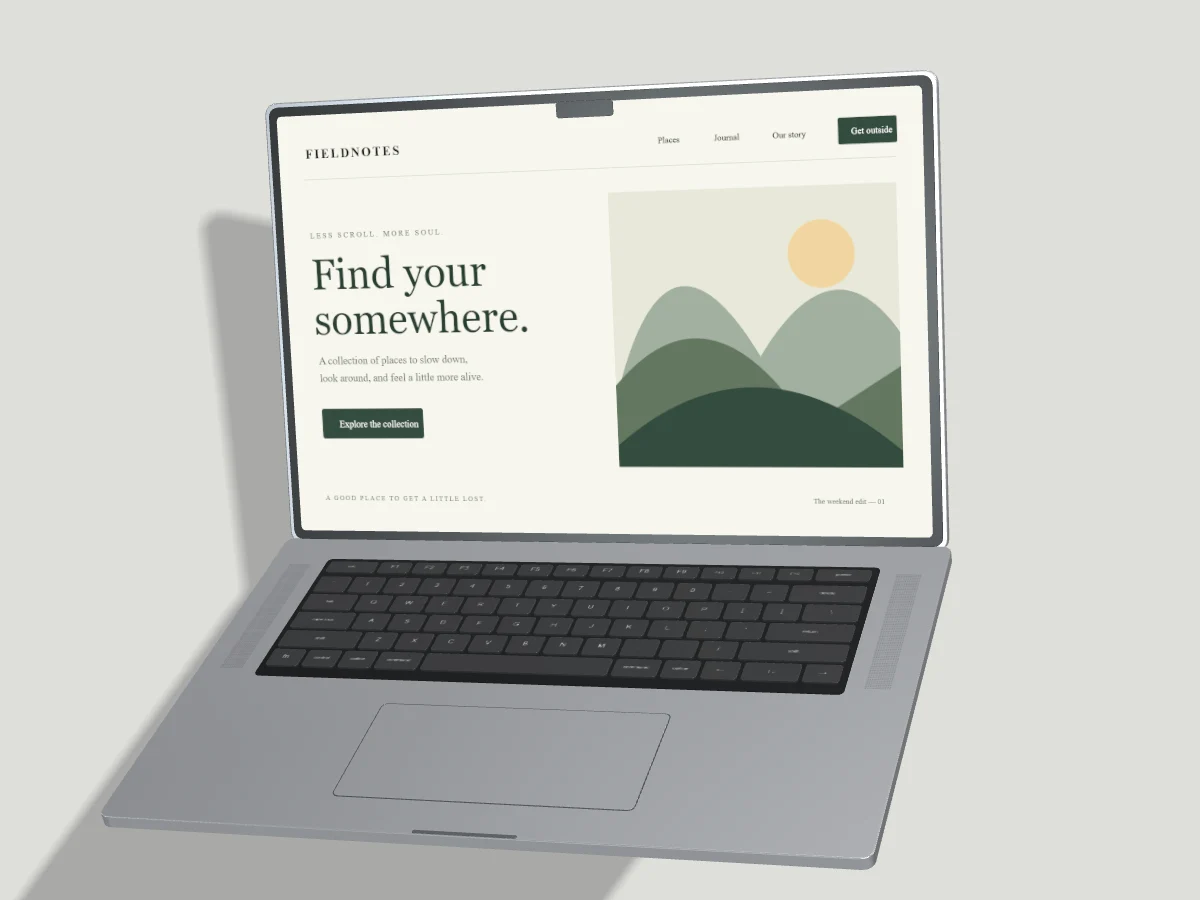
A sharp mockup starts with a useful source screenshot and a composition that gives the interface enough space. Export resolution matters, but a larger file cannot recover detail missing from the source. Choose the final placement before choosing the largest available setting.
Start with the publishing size
A portfolio thumbnail and a presentation slide need different files. Check the dimensions recommended by your publishing platform, then leave enough room for the device and the surrounding page layout. A portrait ad often benefits from a single large phone; a wide case-study cover can explain desktop and mobile together.
Pixmock Free exports reach up to 1280 pixels on the longest side. Pro offers output settings up to 7680 pixels, commonly called 8K, while preserving the canvas aspect ratio. A 7680-pixel longest edge does not mean every aspect ratio produces a standard 7680-by-4320 frame. Inspect the dimensions shown in the export dialog.
Keep interface details readable
Upload a clear screenshot with the same orientation as the target screen. Use Fill when the image should cover the display, or Fit when showing the full source matters more than filling every edge. Adjust crop position before increasing zoom. Enlarging a small screenshot usually makes text softer.
Keep device turns restrained when navigation labels or dashboard numbers explain the product. Leave a gap between screens so a foreground phone does not hide the laptop's main action. Check the complete composition at the size people will actually see, including on a narrow mobile page.
Choose a format for the destination
PNG is useful for precise edges and transparent backgrounds. WebP supports transparency and can reduce delivery weight for a website. JPEG suits opaque artwork and photographic areas; check fine interface text for compression artifacts. A transparent canvas becomes opaque in JPEG.
Keep a high-resolution master when your workflow needs one, then prepare a smaller delivery image for the final page. Exporting every thumbnail at 8K adds download weight without improving its displayed size. Include descriptive alt text and explicit dimensions when publishing on a website.
Save deliberately
Free includes exactly three distinct completed still-image exports per UTC month. Failed renders and repeat downloads of the same completed output do not consume another export. A different output format or resolution creates a different file.
Pro has no monthly image export cap for now. Exporting provides a temporary download for 48 hours and never creates a permanent cloud project. Use Save to Cloud for an editable project or Save Export to Cloud for a completed image. Those manual saves share the Pro 10 GB allowance; browser-local recovery remains separate.