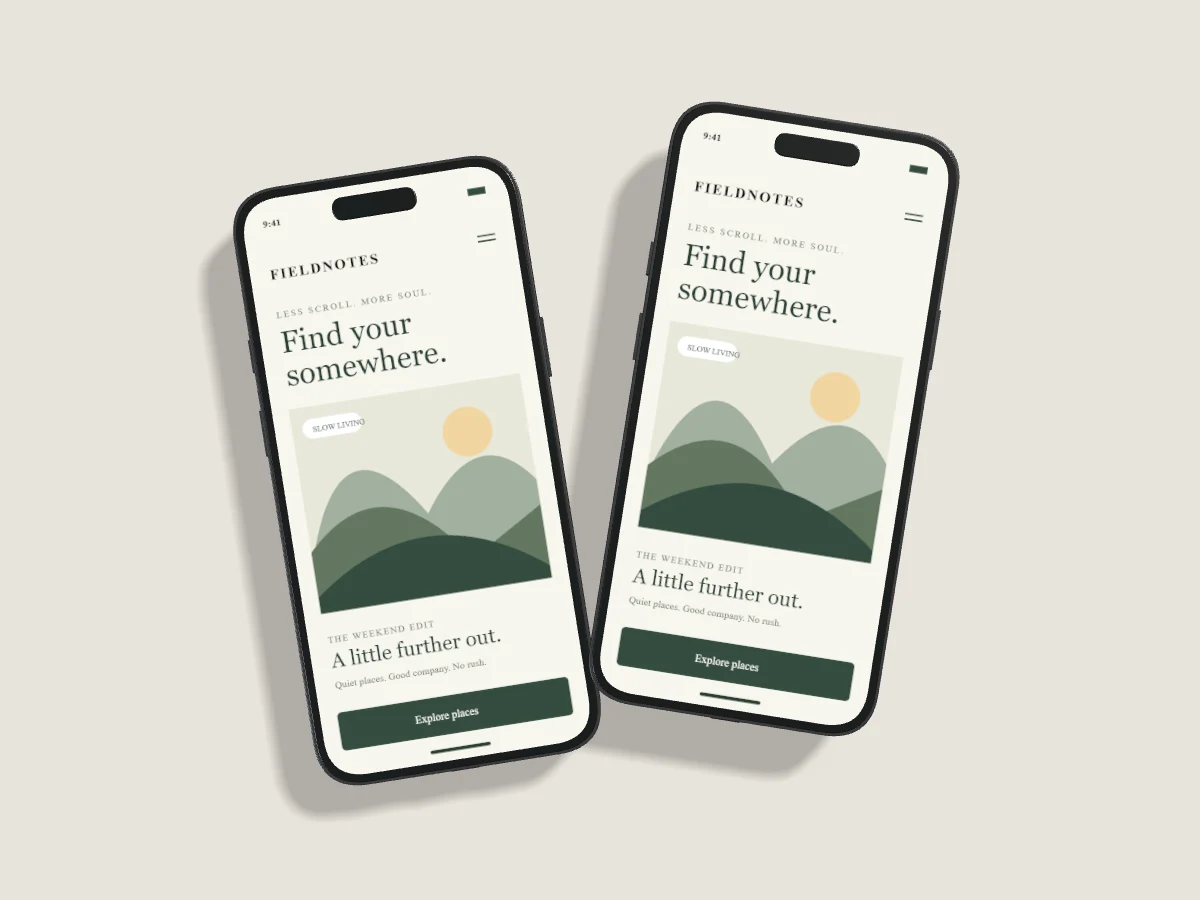
Motion can reveal depth, introduce a screen or give a product announcement a measured rhythm. Start with a strong still composition. If the screenshot is unclear before movement, animation is unlikely to make it easier to understand.
Start in the Pro motion studio
Interactive video templates, the video editor and MP4 export require Pro. Free includes still-image editing and three completed image exports per UTC month. Video requests from a Free account are rejected before a render job is created, and they never spend a Free image allowance.
Choose a composition in the motion studio, or load the image-studio draft stored on this browser. Replace each screen independently. Set the scene's device angles before choosing a motion preset so the animation starts from a considered pose.
Choose movement with a purpose
Soft reveal and Morning rise introduce a scene. Studio orbit and Counterpoint show frame depth. Breathing room and Slow pendulum provide quieter loops. Cascade staggers the devices, while Studio wave varies lift and angle across a collection. All presets keep the devices front-facing.
Use the playhead to inspect the start, midpoint and end. Check that the interface remains readable throughout and that shadows do not cover a neighboring screen. Large movements suit sparse compositions; detailed dashboards generally benefit from less motion.
Export a bounded MP4
Set a duration from two to eight seconds. Exports use H.264 MP4 at 24 frames per second, with a maximum output dimension of 1280 pixels. These are per-job processing bounds, not a monthly Pro video quota. The server renders frames and encodes the file, then provides a temporary download when processing succeeds.
Keep storage explicit
Exporting a video does not save a permanent project or output. Use Save Export to Cloud separately if you want to retain a completed MP4 with Pro. Keep your own copy for publishing. For accessible web delivery, provide playback controls, a useful poster and a reduced-motion alternative instead of forcing autoplay.