
Open a better presentation.
Frame websites in an open 3D MacBook mockup with keyboard, trackpad, editable screen, directional lighting and considered compositions.
Create your mockup ↗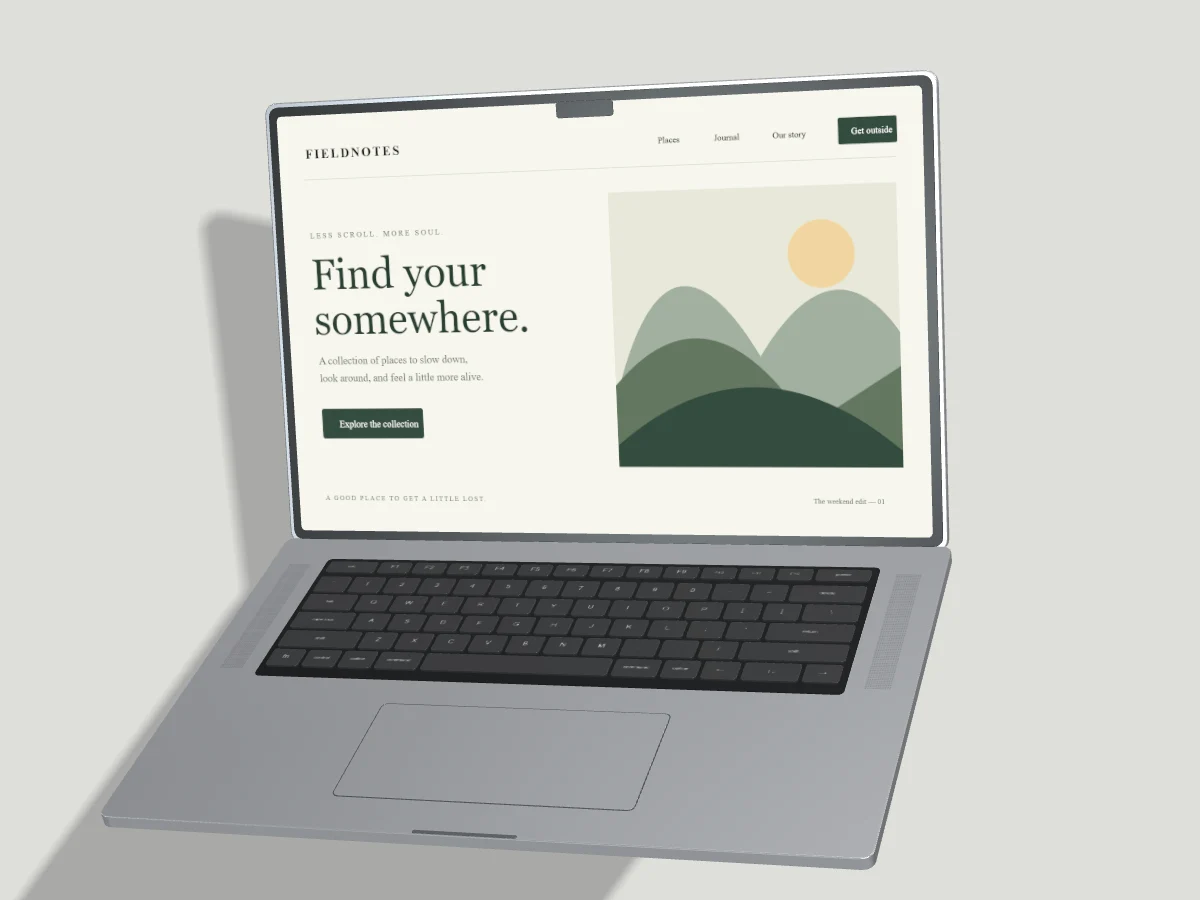
Start with your work.
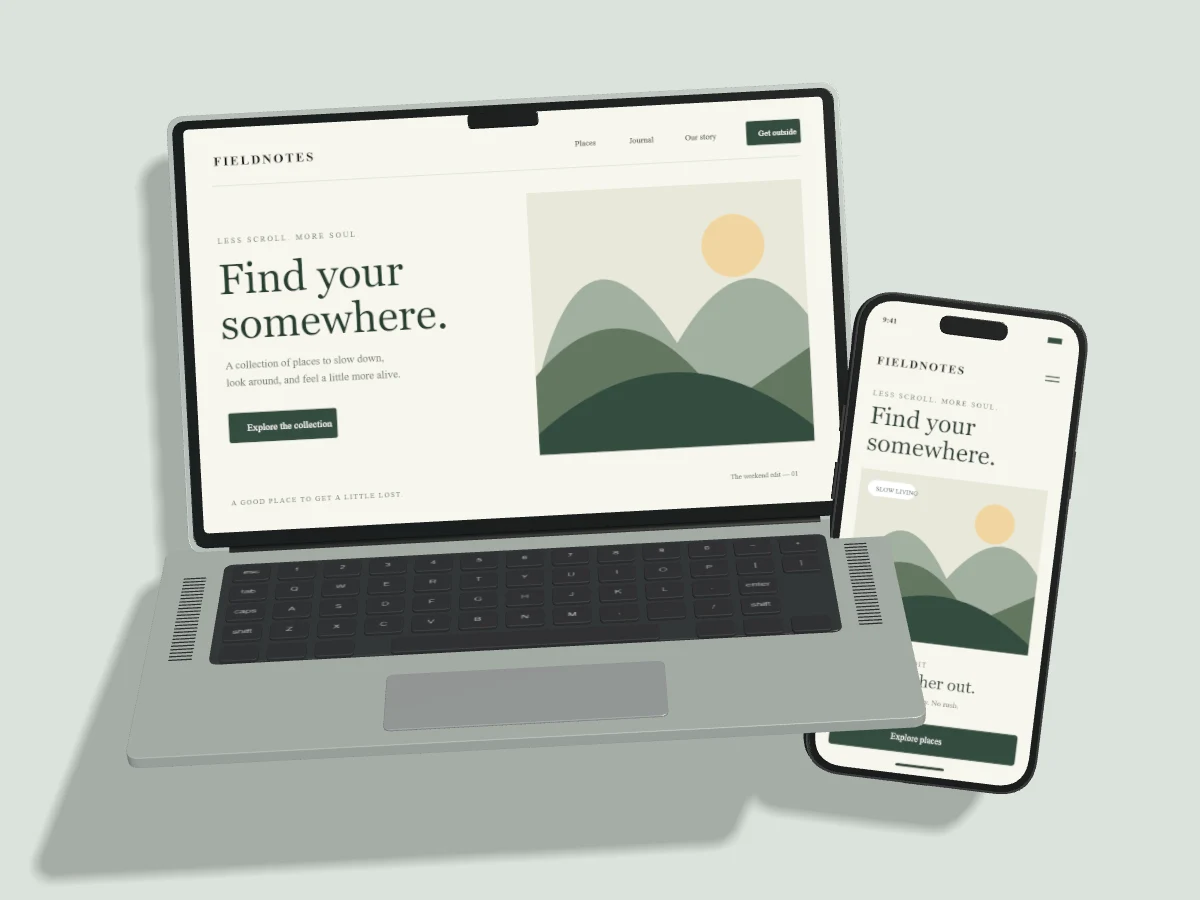
The open laptop deck includes individually modelled keycaps, speaker grilles and a trackpad. Use a direct view for a detailed website or a restrained angle to add depth. Pair the laptop with a phone to explain responsive behavior.
Upload, drop or paste your screenshot. Change the background, tune the light and export PNG, JPEG or WebP. Draft recovery stays on this device. Pro projects are saved only when you explicitly choose Save to Cloud.
Read the studio guides ↗A considered starting point.
All templates ↗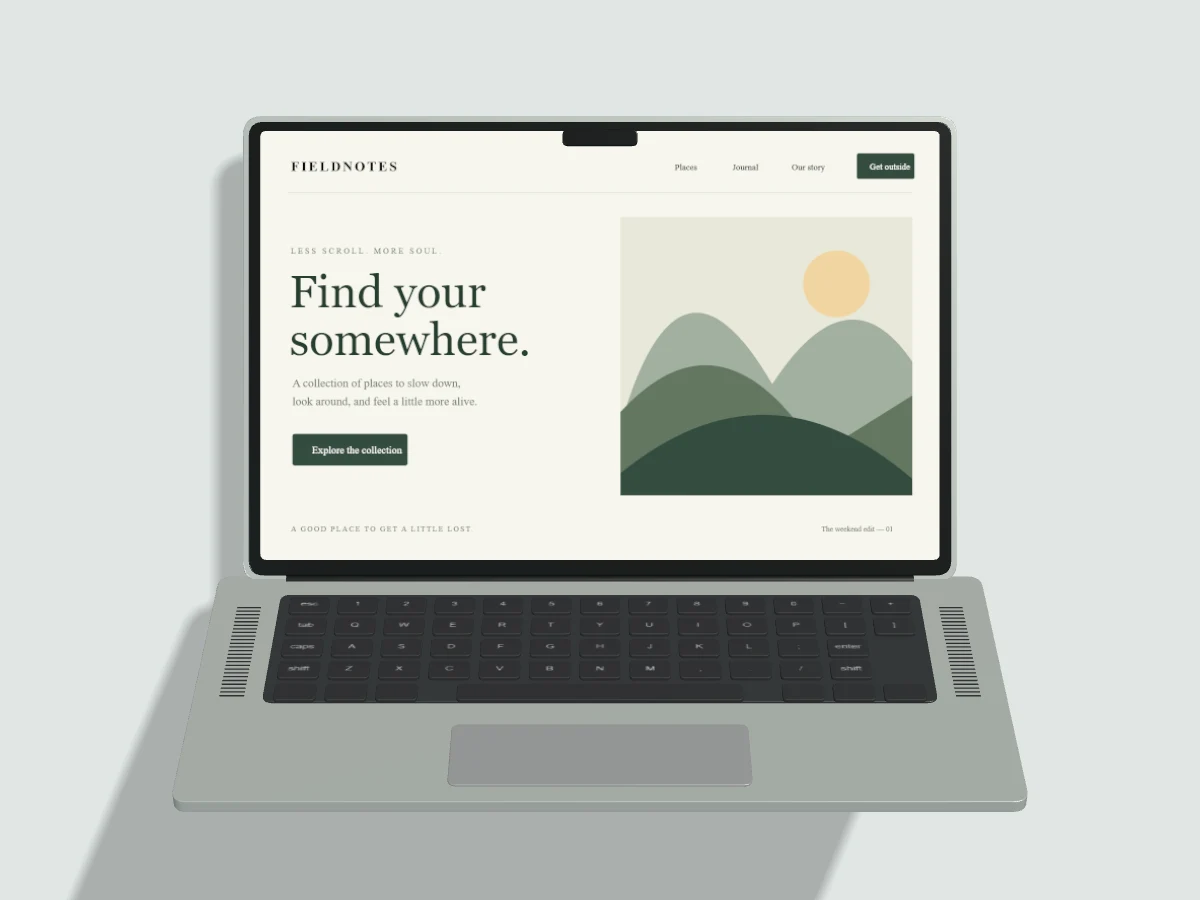
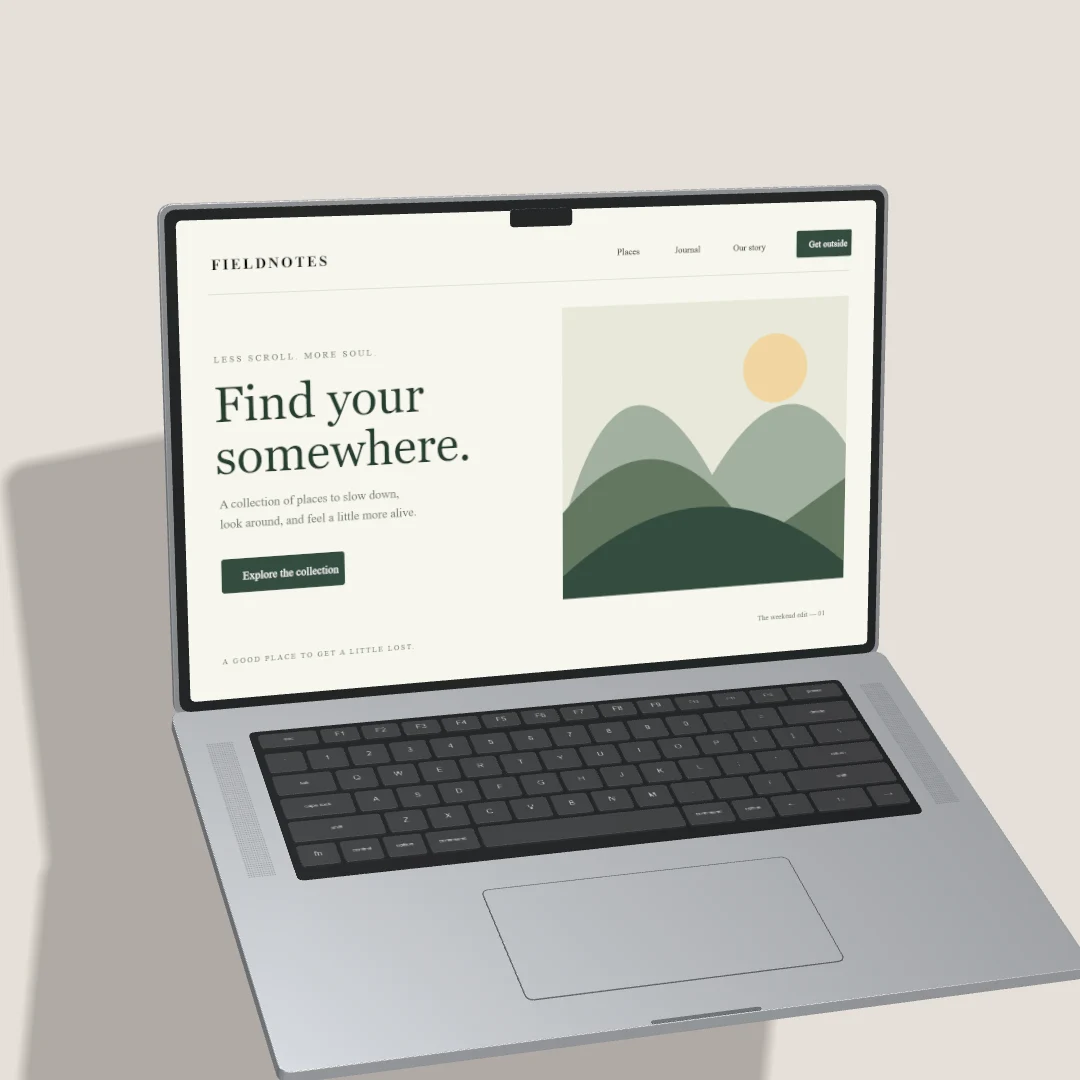
Can I replace the MacBook screen with my website screenshot?
Yes. Upload a PNG, JPEG or WebP screenshot to the selected laptop. Public URL capture is available only when its isolated worker has been configured and verified by the operator.
Compare Free and Pro ↗