Give big ideas a bigger screen.
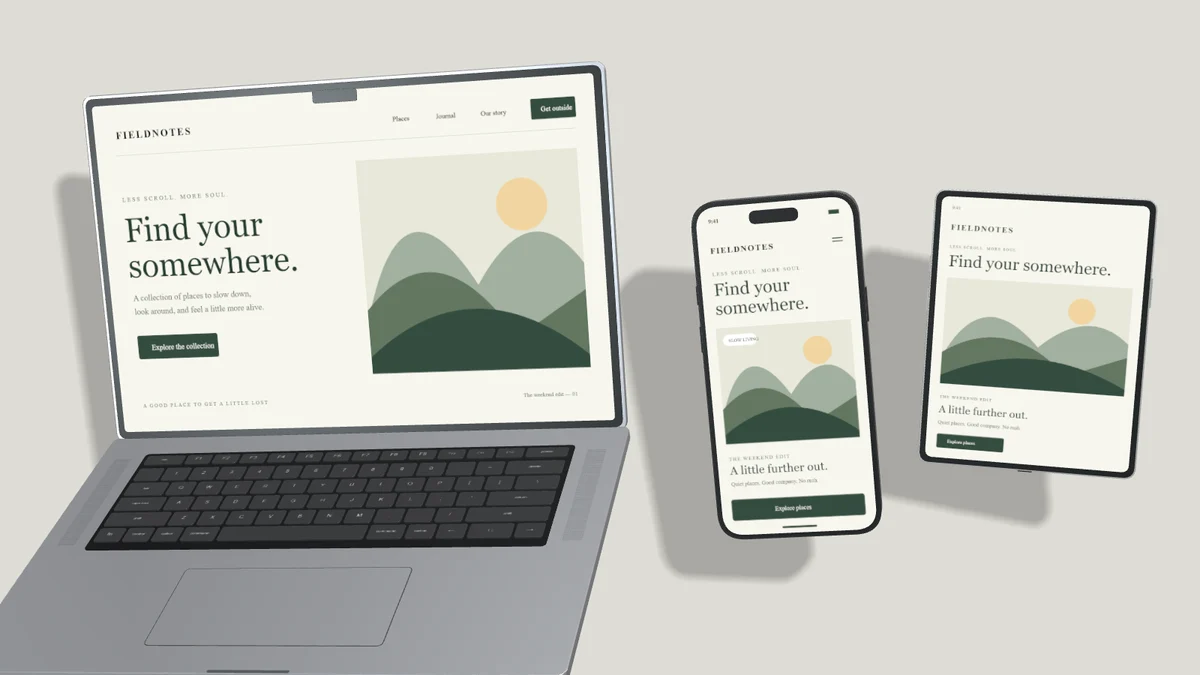
Create an editable iMac mockup for web apps and websites. Adjust your screenshot, 3D orientation, lighting and shadow before exporting.
Create your mockup ↗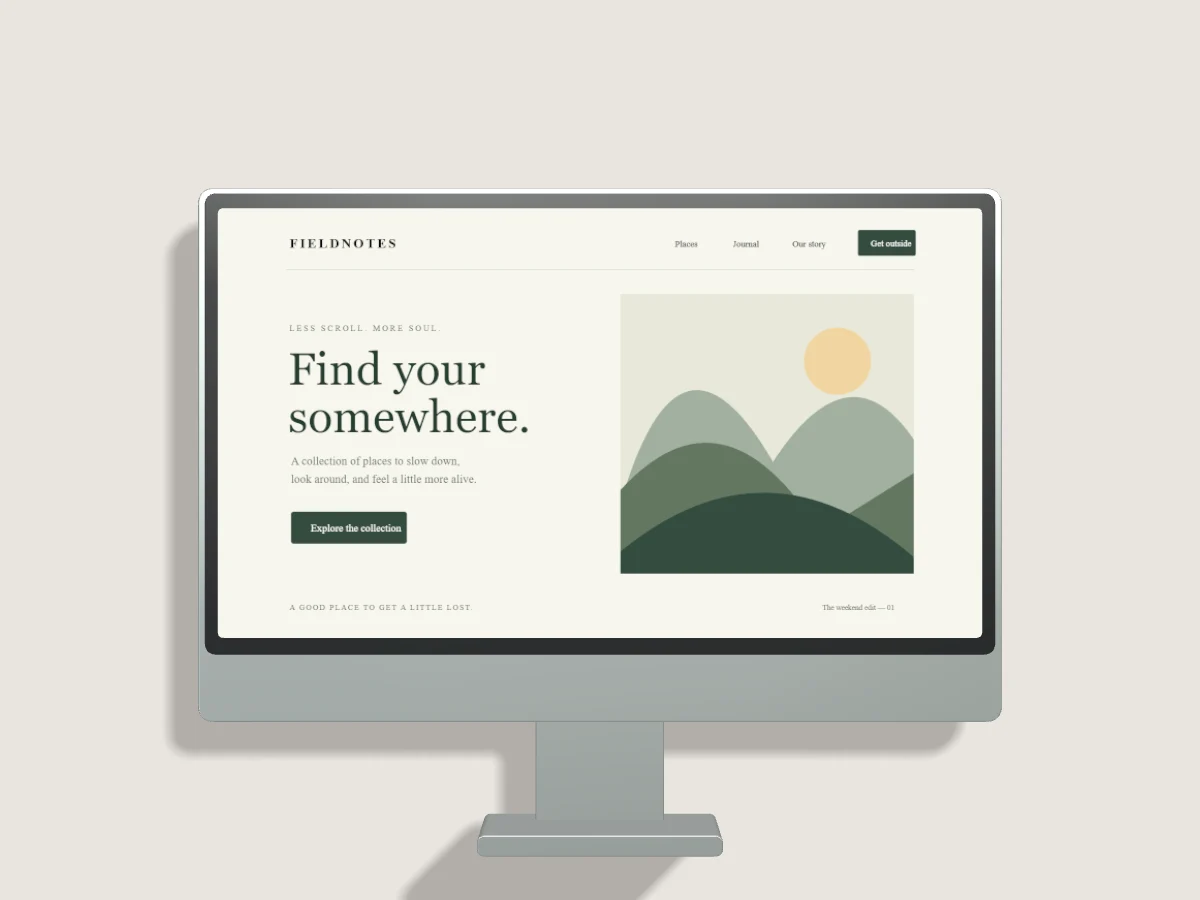
Start with your work.
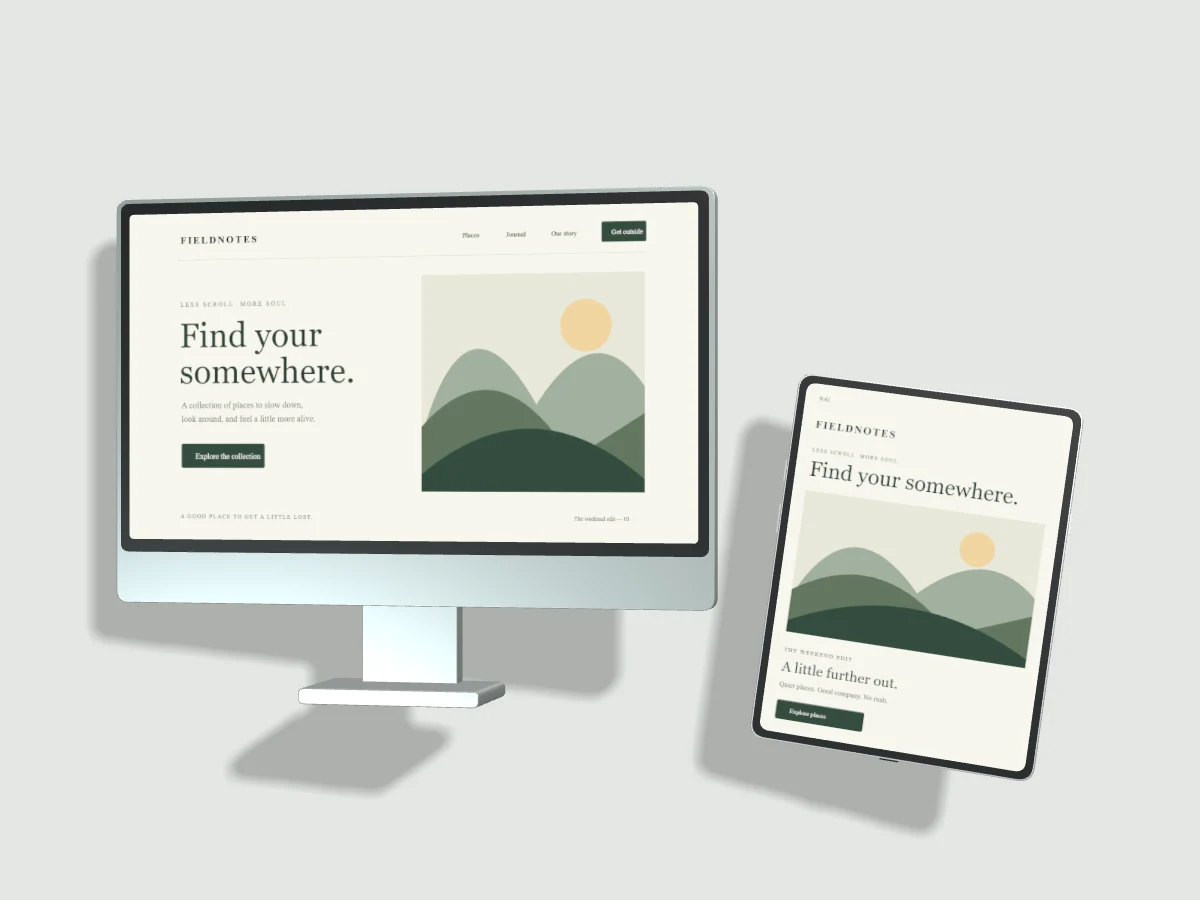
An expansive display suits dashboards, websites and desktop interfaces. Keep small text legible with a moderate turn, then tune light direction and shadow softness. Add a tablet or phone when the product benefits from a responsive comparison.
Upload, drop or paste your screenshot. Change the background, tune the light and export PNG, JPEG or WebP. Draft recovery stays on this device. Pro projects are saved only when you explicitly choose Save to Cloud.
Read the studio guides ↗A considered starting point.
All templates ↗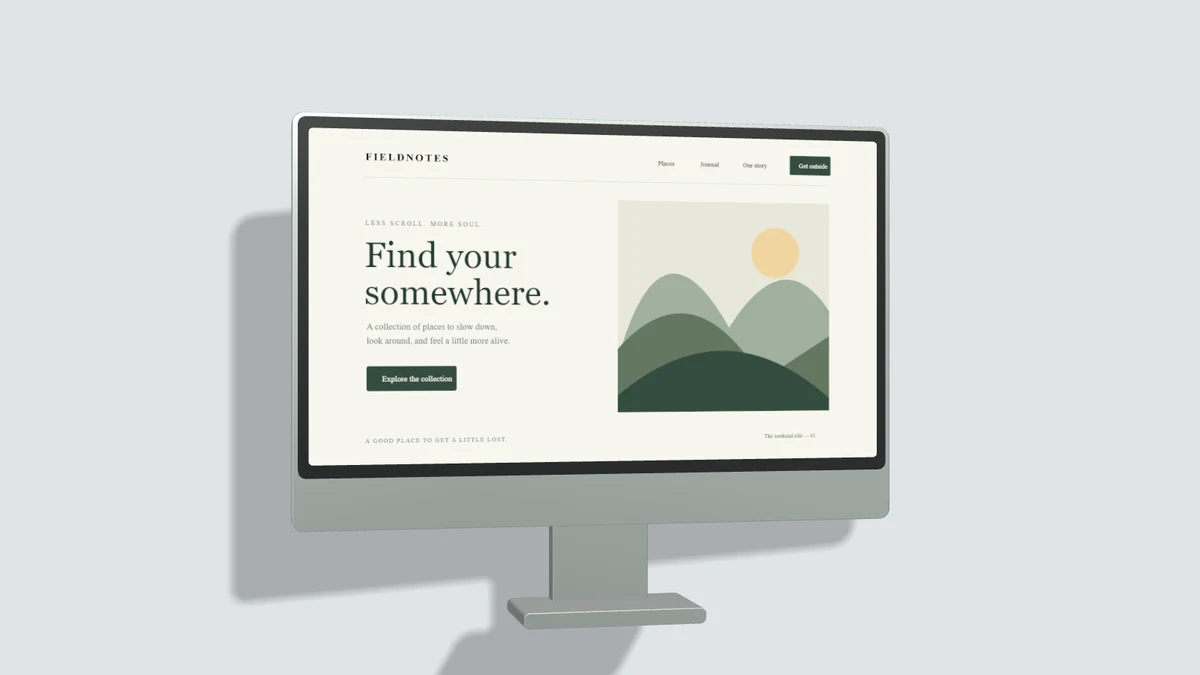
Which image formats can I export?
The still-image editor exports PNG, JPEG and WebP. PNG and WebP support a transparent canvas. JPEG uses an opaque background. All MP4 exports and interactive video editing require Pro.
Compare Free and Pro ↗